Free · Offline · Eight languages
Skills and prompts for the AI tools you already use.
Every skill for every tool, inside the app: 5,403 skills across 102 AI tools, in eight languages. Android and Windows. No account, no connection, no cost.
Every file, every checksum and the source of these numbers are on the download section and on GitHub.
Every tool in it, and how much is in each
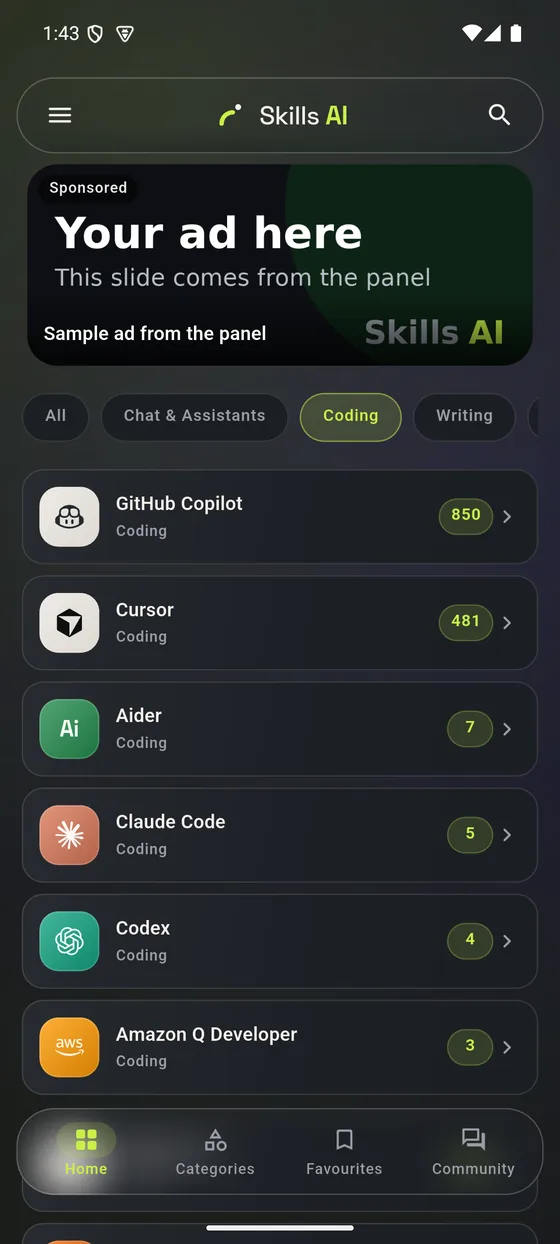
All 102 of them, with the number of skills each one actually carries. The list is read from the catalogue, not written down.
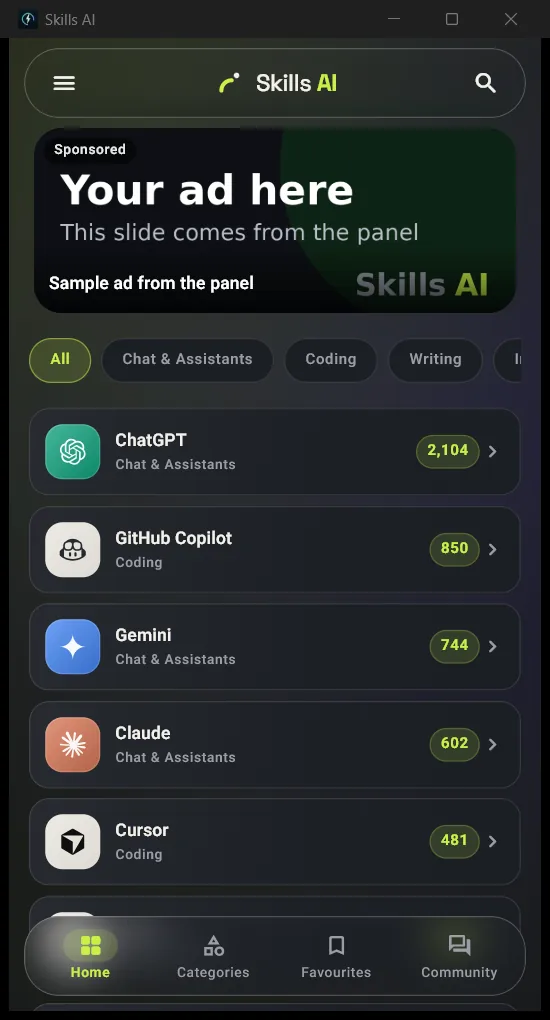
What it looks like
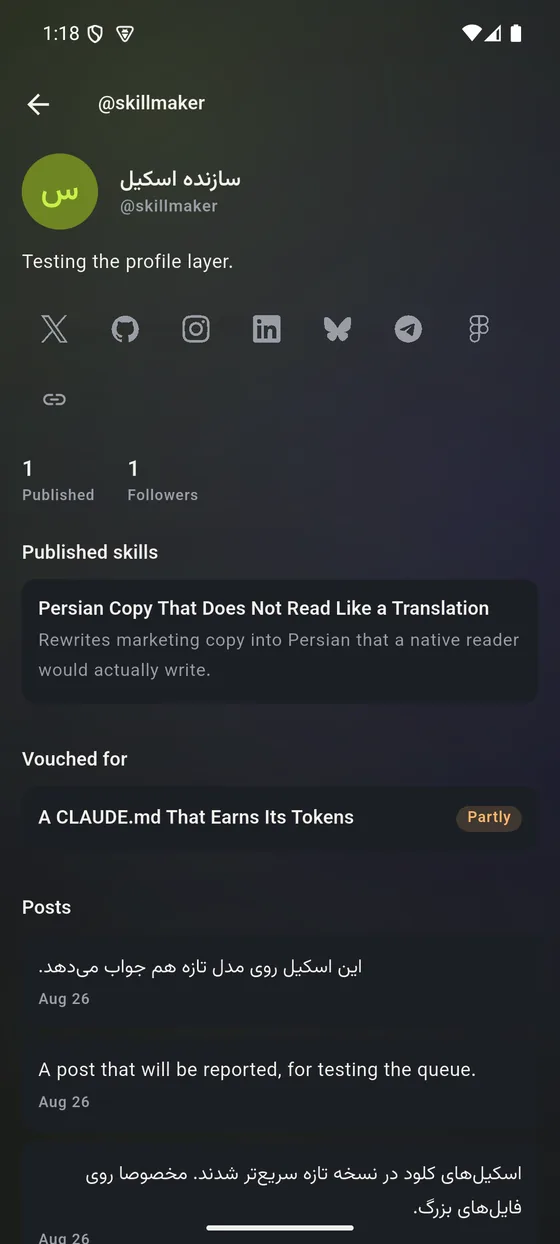
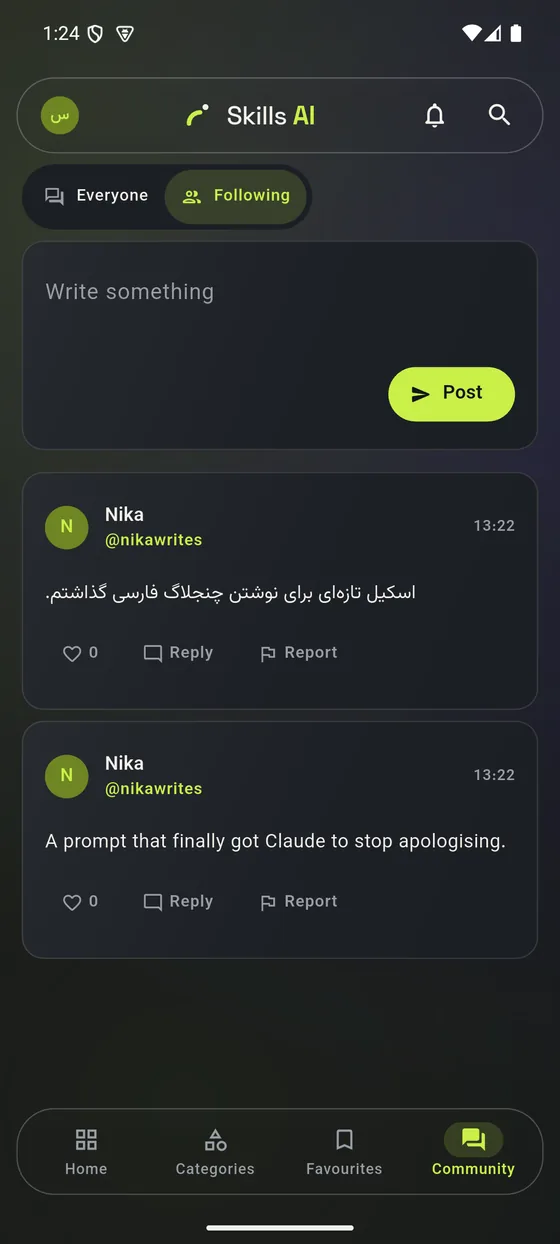
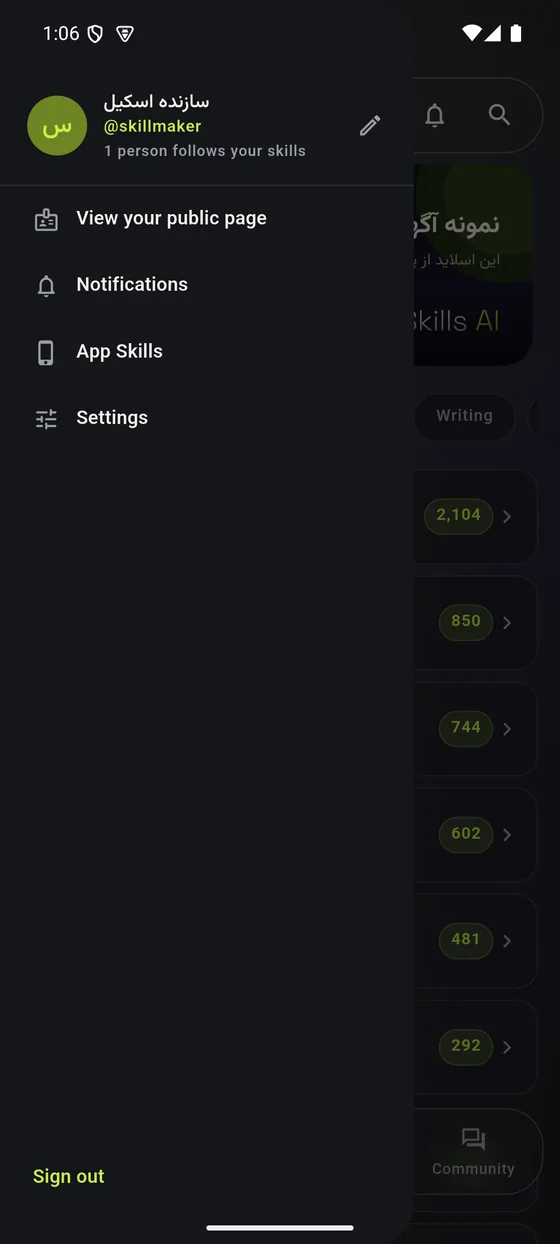
Real captures from the shipped builds — four from the phone, one from the desktop window.
What it does
Works with no connection
The whole catalogue — 5,402 skills, their full text, and the search index — ships inside the app as a 17 MB SQLite database. Nothing is fetched to read it.
Search that understands the language you type in
Full-text search across every title and body, with Persian and Arabic folded together: a query typed with Arabic yeh finds text written with Persian yeh, and three sets of digits count as one.
Copy, do not retype
Every skill carries its exact text, an install procedure for the tool it belongs to, and a copy button on each part.
Did it actually work?
One tap after you use a skill says whether it worked, partly worked, or did not — for the model you used. Skills are ranked by that, counted per person, so answering more often moves nothing.
A community, without a scoreboard
Publish your own skills, follow the people whose work keeps helping you, and see on a skill itself which of them tried it. There is no public follower ranking and no endpoint that lists the graph.
Eight languages, four of them right-to-left
English, Persian, Arabic, Turkish, Hindi, Spanish, German and French — the interface, the numerals, the dates and the direction of the layout.
How it stays offline
Three steps: the whole catalogue ships inside the download, opens with no network, and is replaced by a verified update at a later launch
In the download
skills.db, 17 MB of SQLite: 5,402 skills with their bodies deflated, a full-text index over all of them, and 33 third-party licence texts in full.
First launch
Copied out of the package once and opened read-only. Search, read, copy — no network, no account, no sign-up.
When the catalogue grows
The server publishes a new corpus. The app downloads it, checks its sha256, and stages it beside the live file — never over it — then swaps it in at the next launch.
Download
Sizes are read from the release, not typed. Pick the wrong Android file and Android refuses to install it rather than installing something broken.
Android
Every APK here is signed with the same key, and you can check that before you install anything:
apksigner verify --print-certs app-arm64-v8a-release.apk
iPhone and iPad
There is no App Store build. Open it in Safari and add it to your home screen: it then launches full screen, with its own icon, and behaves like an app.
ai.ehsanking.ir/appOpen the web app
On GitHub
Releases, checksums, the licence, and the third-party notices for all 33 sources the catalogue is built from.
Support
Everything in the app is free — every skill, the community, the search and the offline copy — with no paid tier, no subscription and nothing held back behind an account. What keeps it running is advertising and donations, and both go to the same place: servers, storage, bandwidth and the work of making it better.
Advertise
The app has two sponsored slots: a slide in the home carousel and a row between the tools. Written and scheduled from the panel, with no third-party ad SDK involved.
Rates and how it worksDonate
USDT, on either of two networks. BEP-20 usually costs less to send.
0x53F494E1Fc1Ee777C55B49048dd1ab7e4C5d7244
TKPswLQqd2e73UTGJ5prxVXBVo7MTsWedU