Code Components for Model Driven Apps
Code components for model-driven apps implementation and configuration
स्किल
# Code Components for Model-Driven Apps Power Apps component framework gives developers the ability to extend the visualizations in model-driven apps. Professional developers can create, debug, import, and add code components to model-driven apps using [Microsoft Power Platform CLI](https://learn.microsoft.com/en-us/power-apps/developer/component-framework/get-powerapps-cli). ## Component Usage You can add code components to: - Columns - Grids - Sub grids in model-driven apps. > **Important**: Power Apps component framework is enabled for model-driven apps by default. See [Code components for canvas apps](https://learn.microsoft.com/en-us/power-apps/developer/component-framework/component-framework-for-canvas-apps) to learn how to enable Power Apps component framework for canvas apps. ## Implementing Code Components Before you start creating code components, make sure that you have installed all the [prerequisites](https://learn.microsoft.com/en-us/power-apps/developer/component-framework/create-custom-controls-using-pcf#prerequisites) that are required to develop components using Power Apps component framework. The [create your first code component](https://learn.microsoft.com/en-us/power-apps/developer/component-framework/implementing-controls-using-typescript) article demonstrates the step-by-step process to create code components. ## Add Code Components to Model-Driven Apps To add code components to a column or a table in model-driven apps, see [Add code components to model-driven apps](https://learn.microsoft.com/en-us/power-apps/developer/component-framework/add-custom-controls-to-a-field-or-entity). ### Examples **Linear Slider Control:** 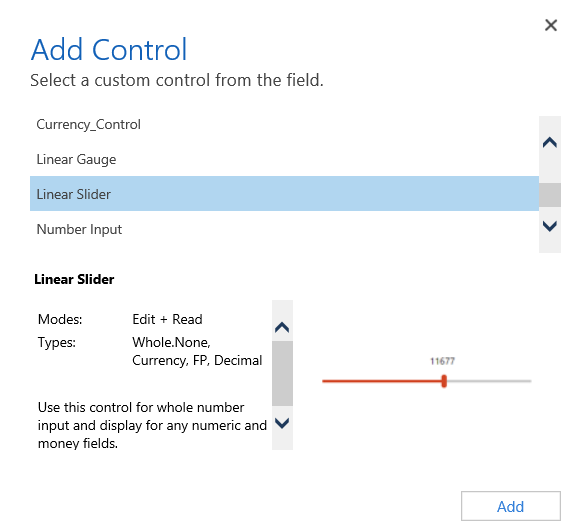 **Data Set Grid Component:** 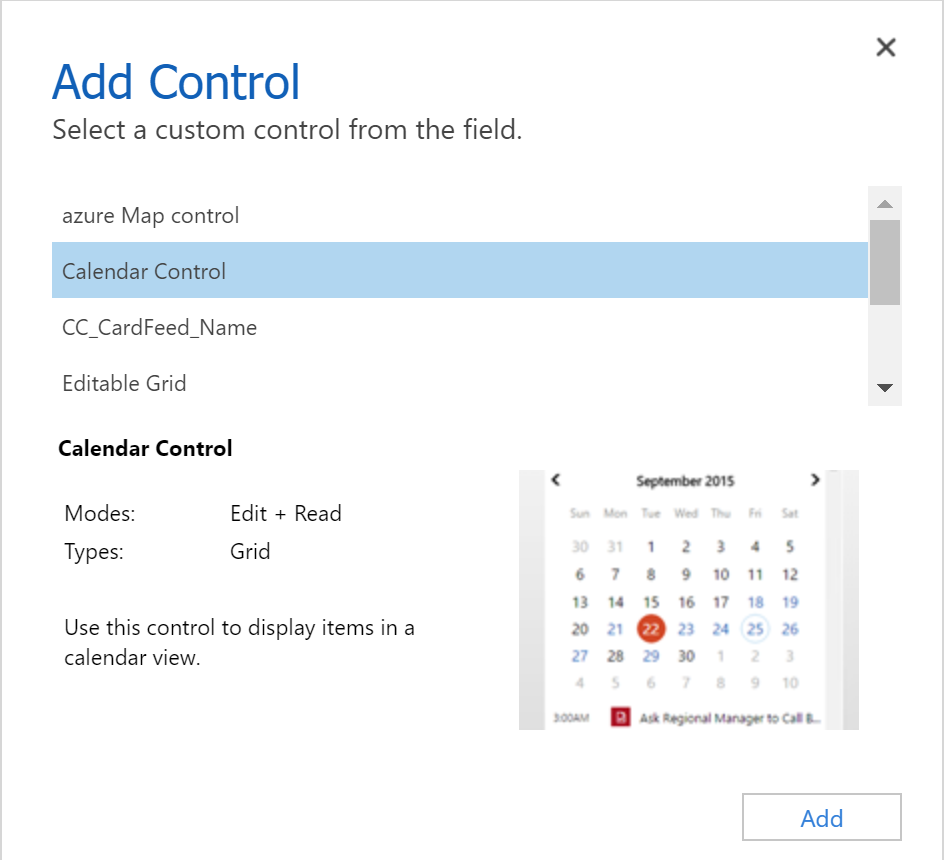 ## Update Existing Code Components Whenever you update the code components and want to see the changes in runtime, you need to bump the version property in the manifest file. **Best Practice**: It is recommended to always bump the version of the component whenever you make changes. ## See Also - [Power Apps component framework overview](https://learn.microsoft.com/en-us/power-apps/developer/component-framework/overview) - [Create your first code component](https://learn.microsoft.com/en-us/power-apps/developer/component-framework/implementing-controls-using-typescript) - [Learn Power Apps component framework](https://learn.microsoft.com/en-us/training/paths/use-power-apps-component-framework)
इसे कैसे लगाएं
1. Open the tool and start a new conversation, project or template.
2. Paste the text below wherever the tool keeps standing instructions
   — usually called system prompt, instructions, or persona.
3. Save it so it applies to every run rather than a single message.
क्या यह आपके काम आई?
यहाँ लिखने के लिए साइन इन करें।यह कहाँ से आई
GitHub, Inc.